

MeinJena WIFI
wifi MeinJena WIFI
Go online for free with the WiFi-network MeinJena. simply register in three steps:
How to use MeinJena-WiFi
Permanent use
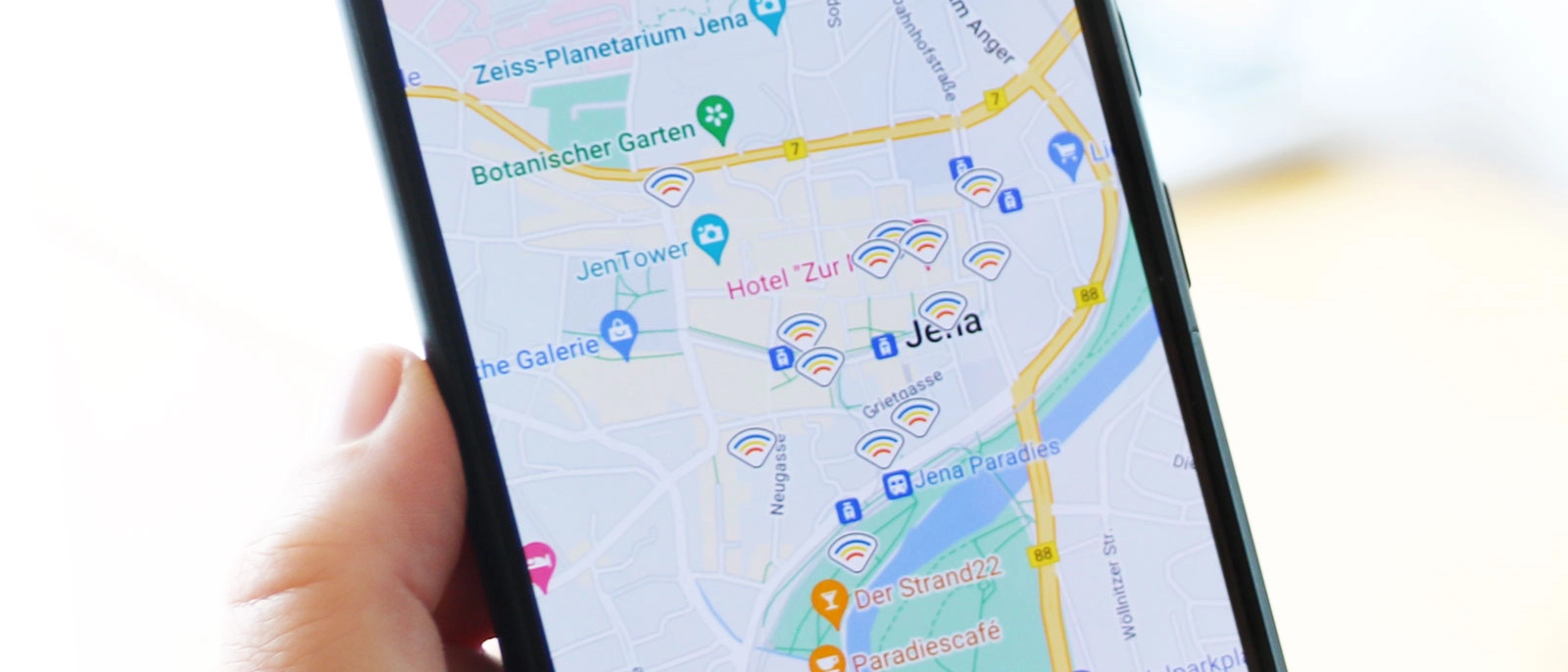
In order to use the free WiFi at the currently approx. 170 locations, you need the app MeinJena. Complete the following steps in the app to use the WiFi-network MeinJena permanently.
looks_one Open the app and register with your e-mail-address. Validate your mail-address by clicking on the confirmation link that you receive per mail.
Looks_two Log-in with your registration details.
looks_3 Position yourself close to a MeinJena-hotspot. Only relevant for android: enable access to your location for the app in your settings.
looks_4 Select the WiFi-network meinJena in the settings of your smartphone. Choose the 15-min-activation to connect for 15 mins.
looks_5 Open the app MeinJena. If the WiFi sign in the upper right corner turns coloured, you have access to the MeinJena WiFi for the next 30 days. Please note: You need to have opened the application at least on time during the last 30 days.
48h-access to WiFi
Especially useful for visitors of the City of Jena: The MeinJena WiFi can be used for the limited time of 48 hours without having to download the MeinJena app. With this new option, the access to the meinJena-WiFi is not only limited to smartphones anymore, but also possible with mobile computers such as laptops.
looks_onePosition yourself close to a MeinJena-hotspot. Only relevant for android: enable access to your location for the app meinJena in your settings.
looks_twoWait until the start page opens. Register for the WiFi MeinJena with your e-mail-Address and request an access code. If the WiFi-startpage does not open, try to access it via your standard browser.
looks_3Please note: You will then be enabled to access during 15 minutes to validate your e-mail-address and to receive your access code.
looks_4 Open your mailbox and validate your mail-address. If you have opened your mail via the device you would like to connect, simply click on "enable MeinJena WiFi" to create access to the network. For connecting a different device, you will find the access code needed in your mailbox.
looks_5Connect your device with the WiFi-network MeinJena and enter the access code on the startpage. Your device is now connected for the next 48 hours with MeinJena WiFi. If you use an iOS-device, you will have to enable the app for access to the local network in order to connect with the WiFi.
MeinJena WiFi hotspots

You can use the free Wi-Fi in Jena in the following areas:
| Südbad (outdoor swimming pool) | Ostbad (outdoor swimming pool) |
| Beach bar "Strandschleicher" | Jena market square |
| Teichgraben | Holzmarkt |
| Löbdergraben | Sparkassen-Arena |
| Paradieswiese / Rasenmühleninsel | Nahverkehr canteen Keßlerstrasse |
| Stadtwerke Jena customer service center | Johannisplatz |
| Bus terminal | Paradiesbahnhof (Jena central station) |
| Freizeitbad GalaxSea | Autohaus Fischer customer area |
| Theatervorplatz / Engelplatz (theater square) | Partybahn (party tram) |
| Quick charging station Rudolstädter Straße | Generationenpark Winzerla |
| Smart Quarter common room | Collective living quarters at the Egelsee |